Storage
See the map before the cleanup
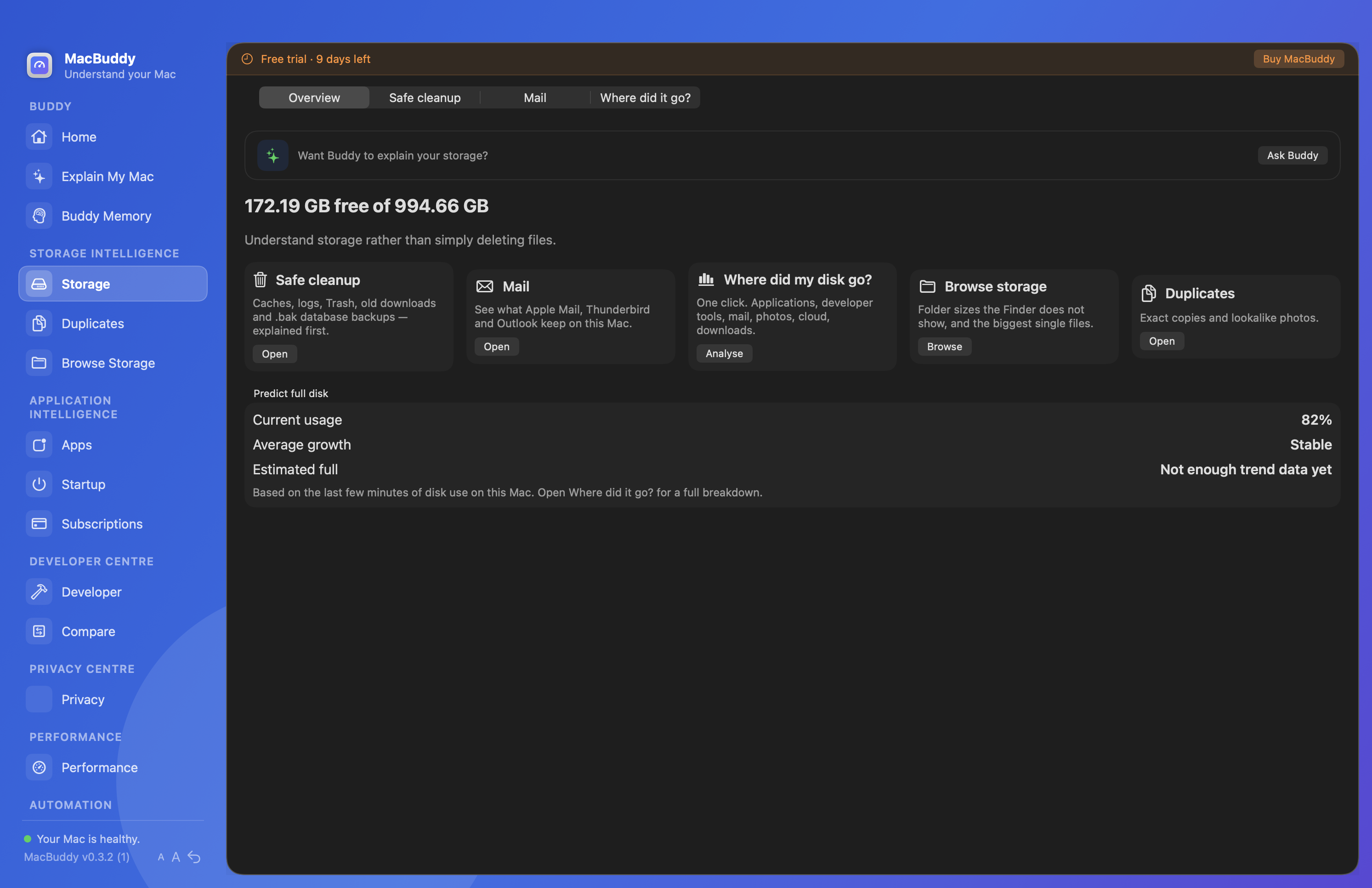
Safe cleanup, Mail, disk growth, folders and duplicates, always with an explanation before action.
Winston
See where the space went before anything moves to Trash. Winston explains what can go, what should stay, and what rebuilds later.
Scan your own disk with explanations first. Nothing is cleaned without your approval. Current download: Winston 0.4.0.
Launch offer
Trouble with the button? Open PayPal checkout directly
$17.99 USD · Fuzzelogic Solutions Limited.
Storage without the anxiety
Apple’s categories rarely tell you which folder or app is responsible. Winston digs into recoverable clutter with names attached.
“8GB of caches” is not a decision. Winston shows origin, age and consequence so you can select with confidence.
Support files in Library can outlive the app. Complete removal finds what ordinary deletion misses.
Find oversized folders, similar photos, old Downloads and Mail attachments without a manual Finder safari.
Docker, Xcode and local models often dwarf Documents. Developer cleanup brings them into view.
Storage
Safe cleanup, Mail, disk growth, folders and duplicates, always with an explanation before action.
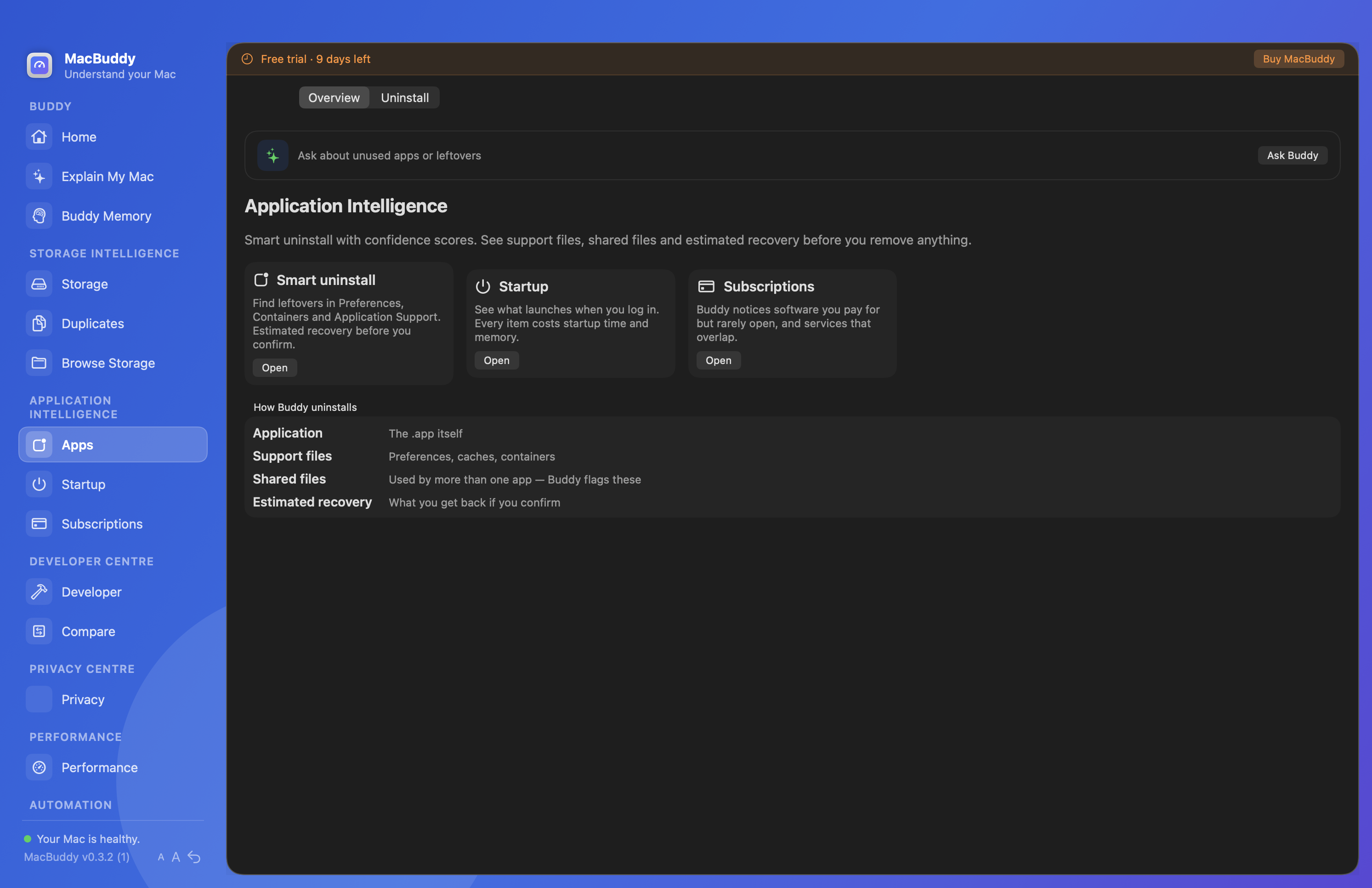
Apps
Find the support files ordinary deletion leaves behind, and keep shared files when they still matter.