Developer cleanup with names, not mystery bins
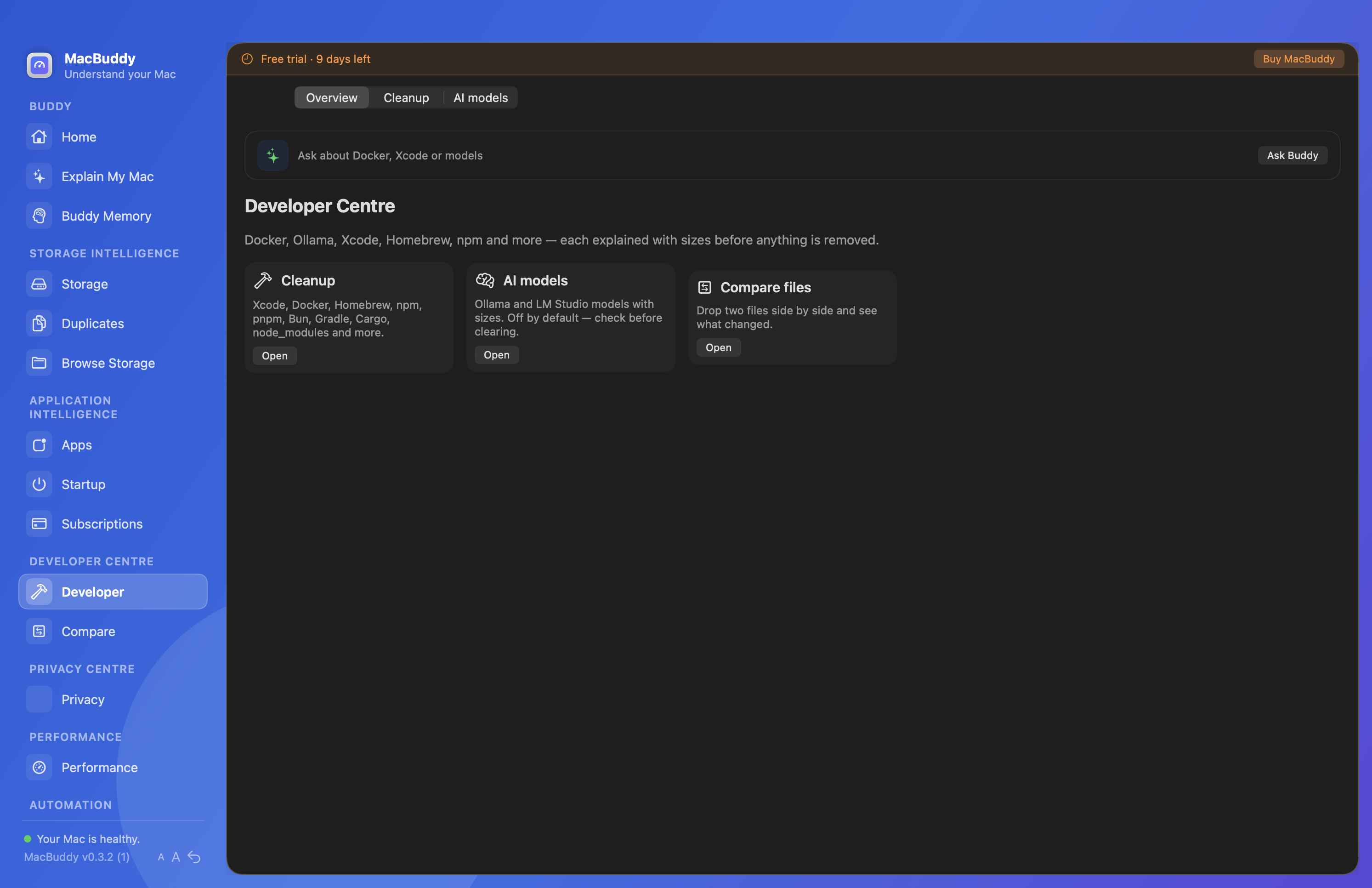
Inspect Docker data, Xcode build files, Homebrew and package-manager caches, Ollama and LM Studio from one Developer view.
Winston for vibe coders
Agents, scaffolds and experiments create gigabytes of regenerable clutter. Winston shows what is safe to clear, and keeps your Mac awake while the long jobs finish.
Scan your own DerivedData, Docker and model folders with explanations first. No credit card. Current download: Winston 0.4.0.
Launch offer
Licence key emailed to your PayPal address after checkout.
Trouble with the button? Open PayPal checkout directly
$17.99 USD · Fuzzelogic Solutions Limited, Isle of Man.
The vibe coding tax
You are not imagining it. Modern AI-assisted workflows are harder on a Mac than a single IDE ever was.
node_modules trees, Docker images, Xcode DerivedData, npm/pnpm caches and local model weights stack up while you stay in Cursor.
Generic cleaners say “caches.” Winston names the tool that created them, how much they use, and whether they rebuild on the next run.
Idle sleep mid-job wastes tokens and time. Keep Awake prevents idle sleep from the menu bar while you step away.
Low free space, runaway processes and leftover login items collide. Ask Winston what changed instead of restarting and hoping.
You already pay for models and tools. Winston is a one-time licence for this version, not a monthly cleaner tax.
How it helps
Inspect Docker data, Xcode build files, Homebrew and package-manager caches, Ollama and LM Studio from one Developer view.
Arm Keep Awake for an hour, a few hours, or until you turn it off. Optional display-awake and “only on power” so battery stays in charge.
Ask why the fan spun up, where 40GB went, or what is safe to reclaim after a heavy coding day.
Schedule regenerable cache cleanup so Friday’s disk panic does not become Monday’s blocker.
Developer centre
Winston surfaces the usual suspects from AI-assisted coding so you can reclaim space without guessing.
Also useful